Slides for places
For anyone who has to explain a place to someone who isn’t standing in it.
Each slide frames the part of the world you want to talk about, and the presentation flies from one to the next. Present it in the room, on a call, or send it as a link.
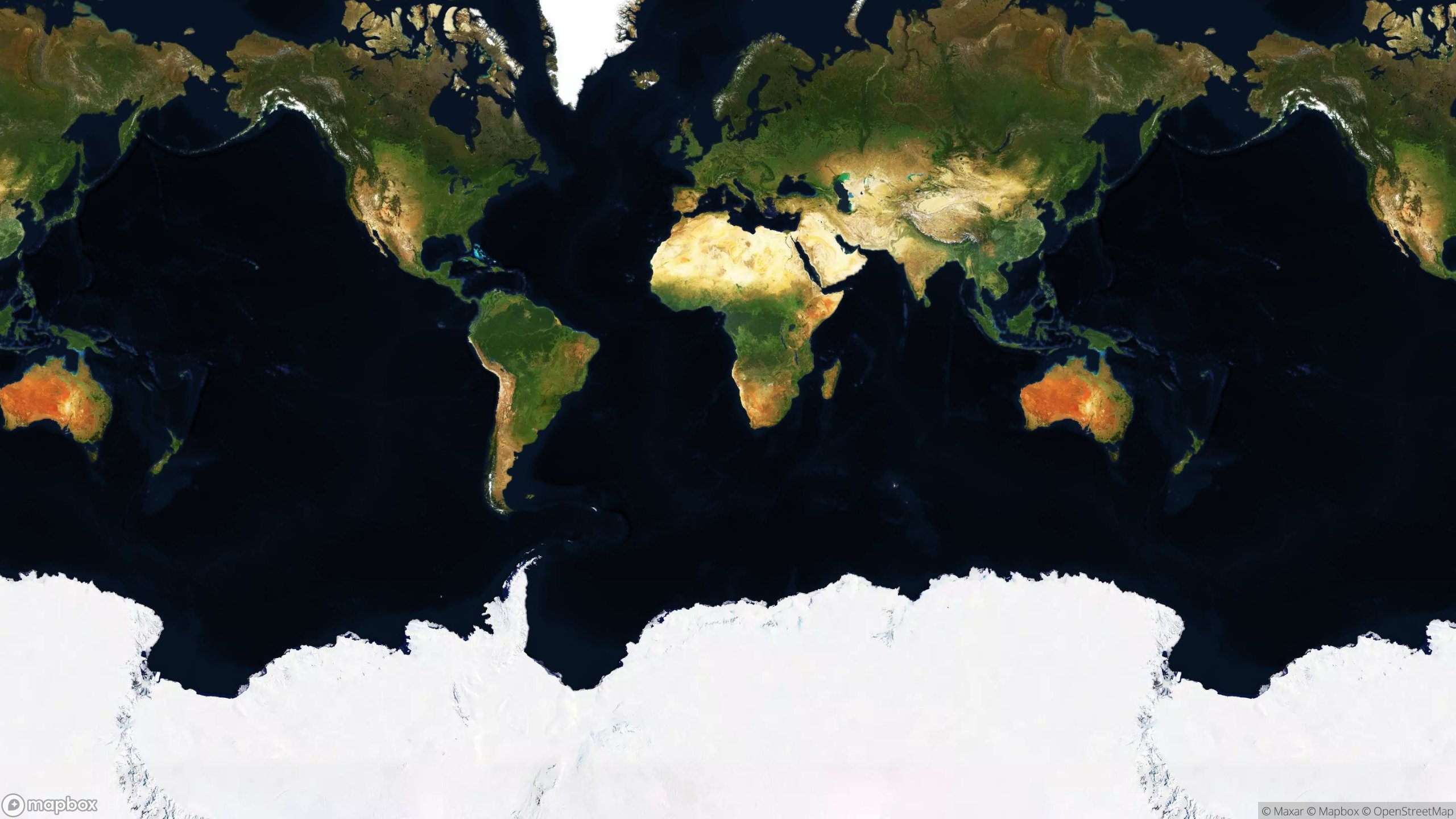

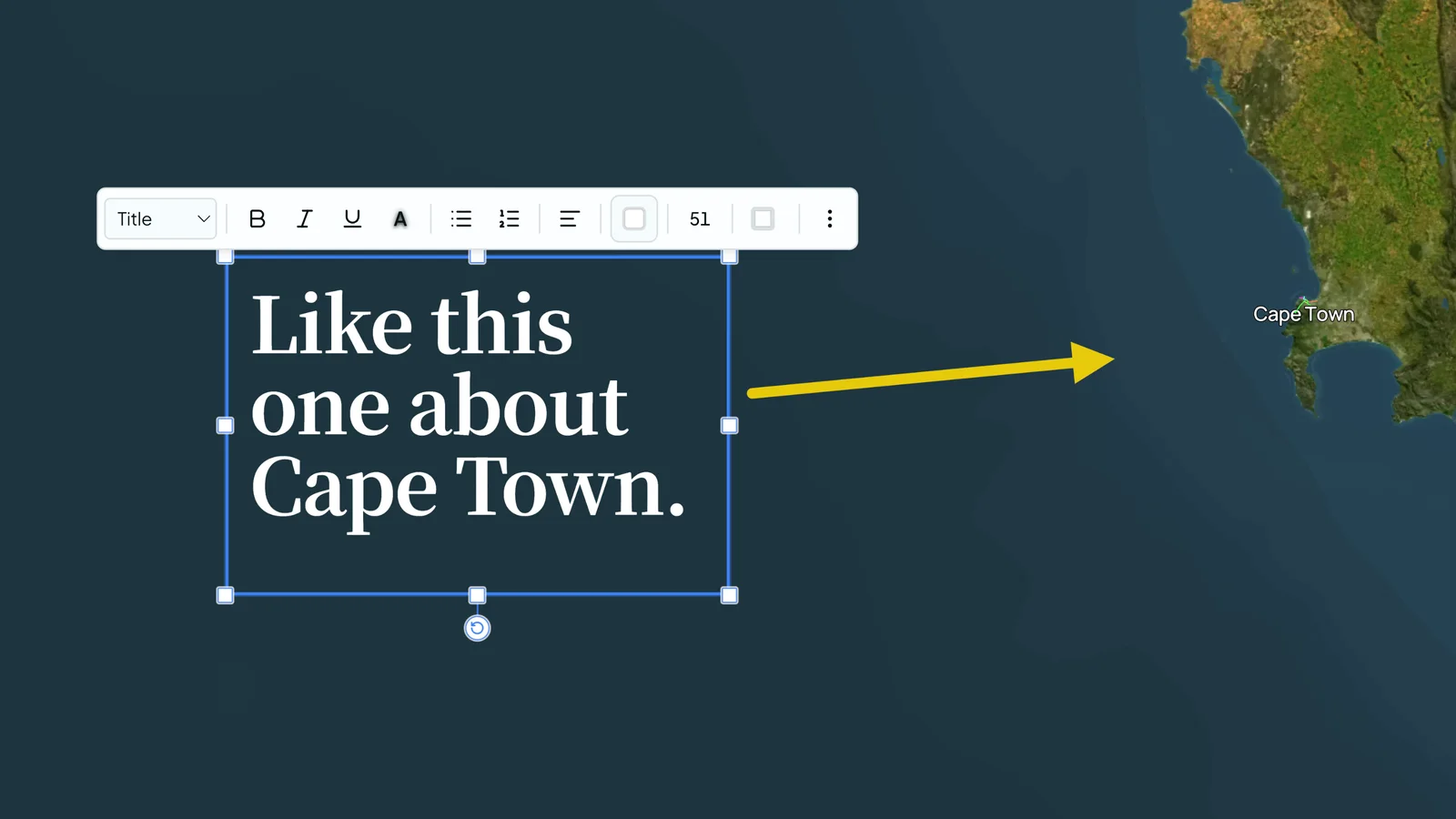
Frame any place on Earth
Search for the place, then set the view: zoom-level, from what angle, facing which way. It stays a live view rather than a picture, so you can move through it while you talk.
Add your own route, boundary or point files straight into the editor (GPX, KML and GeoJSON accepted). They land on the place as layers, styled to your brand colours and ready to reuse in the next presentation.
Magical transitions between slides.
Presenterra builds the flight path from one slide to the next, and you can shape it: slower, faster, a wider curve.
A familiar design experience
An editing canvas that works the way design tools do. Drop in text, shapes, lines, polygons, photos and video, then style them until they look right.
Set your fonts, colours and brand tone once in the brand styler, and every presentation picks them up.
Made for
Conservation corridor
Show a donor the patrol area and the village on its edge.
Town proposal
Explain a plan to the people who live in the middle of it.
Multi-day hike
Walk guests through every night’s stop before they’ve packed.
Coastal plot
Take a buyer along the shoreline and round the boundary.
Field site update
Brief a board on what changed on the ground this quarter.
Classroom lesson
Fly a class up a volcano and round its flanks.


Everything else a presentation needs, no mapping skills required.
- AI descriptionsPoint at a place and AI writes you a first draft in your brand voice, ready to edit.
- Share as a linkOpens on any phone, no account needed.
- Present liveFull screen from the browser, run from a keyboard or a clicker.
- Any screenThe same on a phone as it is on the projector.
- Plays, countedSee how many times a presentation has been played outside your team.
- Extra editorsAdd seats when more than one person is making presentations.
Private until you share it
Every presentation is private until you share it. Add a passphrase when it’s not for everyone.
Nothing to install, nothing to learn
It runs in the browser. If you’ve made slides before, you already know how to use it.
Free to start. Pro when you need more.
Free
Free
- Published presentations
- 1 published presentation
- Plays
- 10 a month
- AI descriptions
- 10 a month
- Seats
- 1 seat
Pro
$29a month
or $290 a year — 2 months free
- Published presentations
- No limit
- Plays
- 1,000 a month
- AI descriptions
- 500 a month
- Seats
- 1 seat
- Extra editor seats
- $12 a month each
Sign up free, then upgrade from your plan page.
A play is one showing of a presentation to somebody: an outside viewer opening a share link, or you pressing Present. Your own team opening a link is not counted.
Prices are in US dollars and tax is added at checkout for your country. Change or cancel from your plan page at any time. Full pricing

I’m Scott. I built this.
I work at the intersection of maps, storytelling and AI, from Cape Town, and Presenterra is the tool I kept wishing I had. Send me your ideas, or anything you want it to do that it doesn’t yet. I build from what people need, and that’s how it gets better for everyone.
Show them the place.
Start free